
How do I view and change my contact and login information?
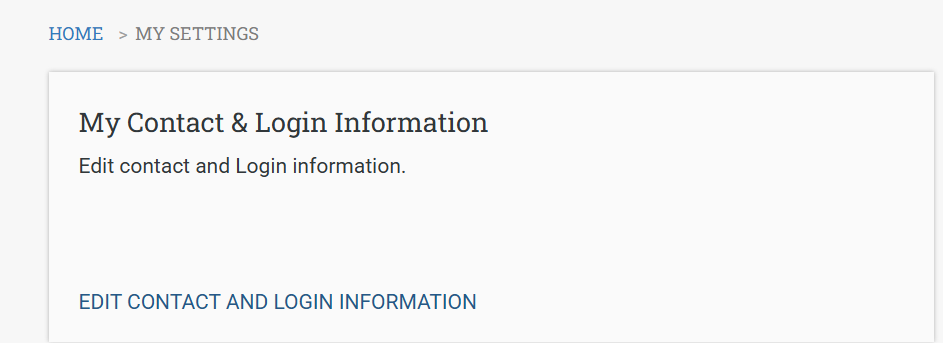
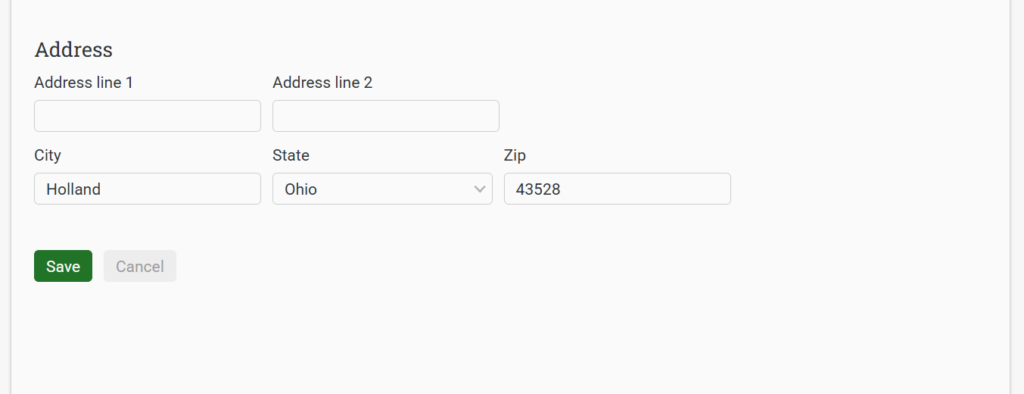
Authorized staff can navigate to SETTINGS (in the top ribbon of the Midwest Tape eComm website), find the My Contact & Login Information section, and click EDIT CONTACT AND LOGIN INFORMATION. Edit desired contact and login information fields, then click Save.
How do I manage users and roles?
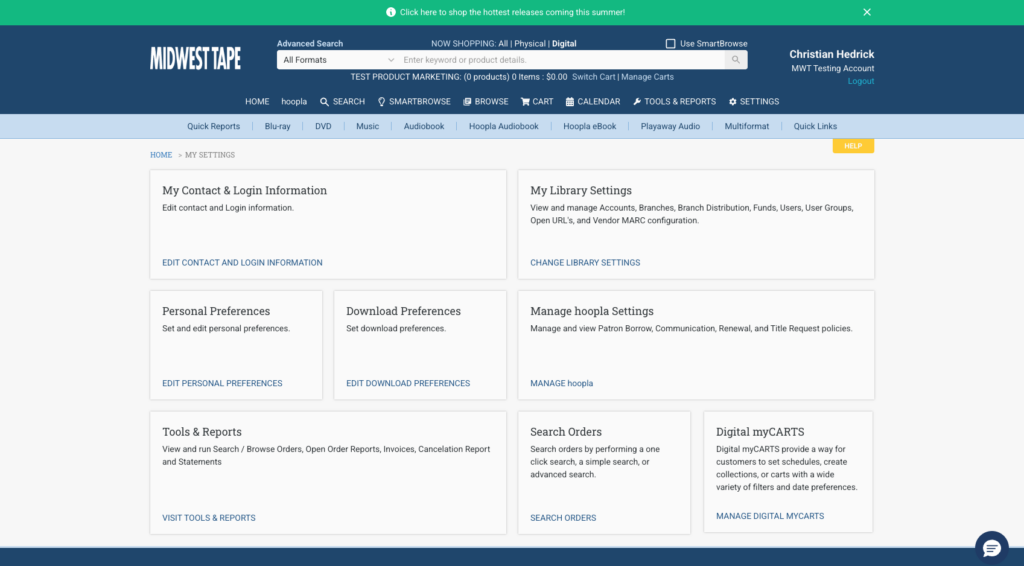
Navigate back to SETTINGS, find the My Library Settings section, and click CHANGE LIBRARY SETTINGS. At the bottom of the screen, click MANAGE USERS. In this screen, click the pencil icon next to the name of the user to whom you wish to edit.
Select the appropriate tab and edit name, login, contact info, assigned roles, assigned accounts, and assigned cart settings, then click Save.
To assign roles, choose the Roles header and select the preferred roles for that user. NOTE: Choosing Hoopla Staff will only allow the user access to the Patron Finder and they cannot be assigned to any other role. All the other roles can use Patron Finder as well.
If you are unsure sure which option would be best, please contact your Hoopla coordinator via email or by calling us toll free at 800.875.2785 (866.698.2231 in Canada).


