
How can I change our library settings?
Authorized staff can change their library settings by clicking Settings in the main menu at the top of the screen, then clicking the My Library Settings card.
Click Change Library Settings to change the settings managed by your library.
To change settings that are blocked or not listed, please contact your Hoopla coordinator via email or by calling us toll free at 800.875.2785 (866.698.2231 in Canada).
Can my library staff reset their own usernames and passwords?
Yes, if your library preferences are set to allow this. To access these preferences, click Settings in the main menu at the top of the screen, then click the My Library Settings card.
Locate the Library Preferences card on the left and ensure Prevent non-admins from changing their username and password is unchecked.
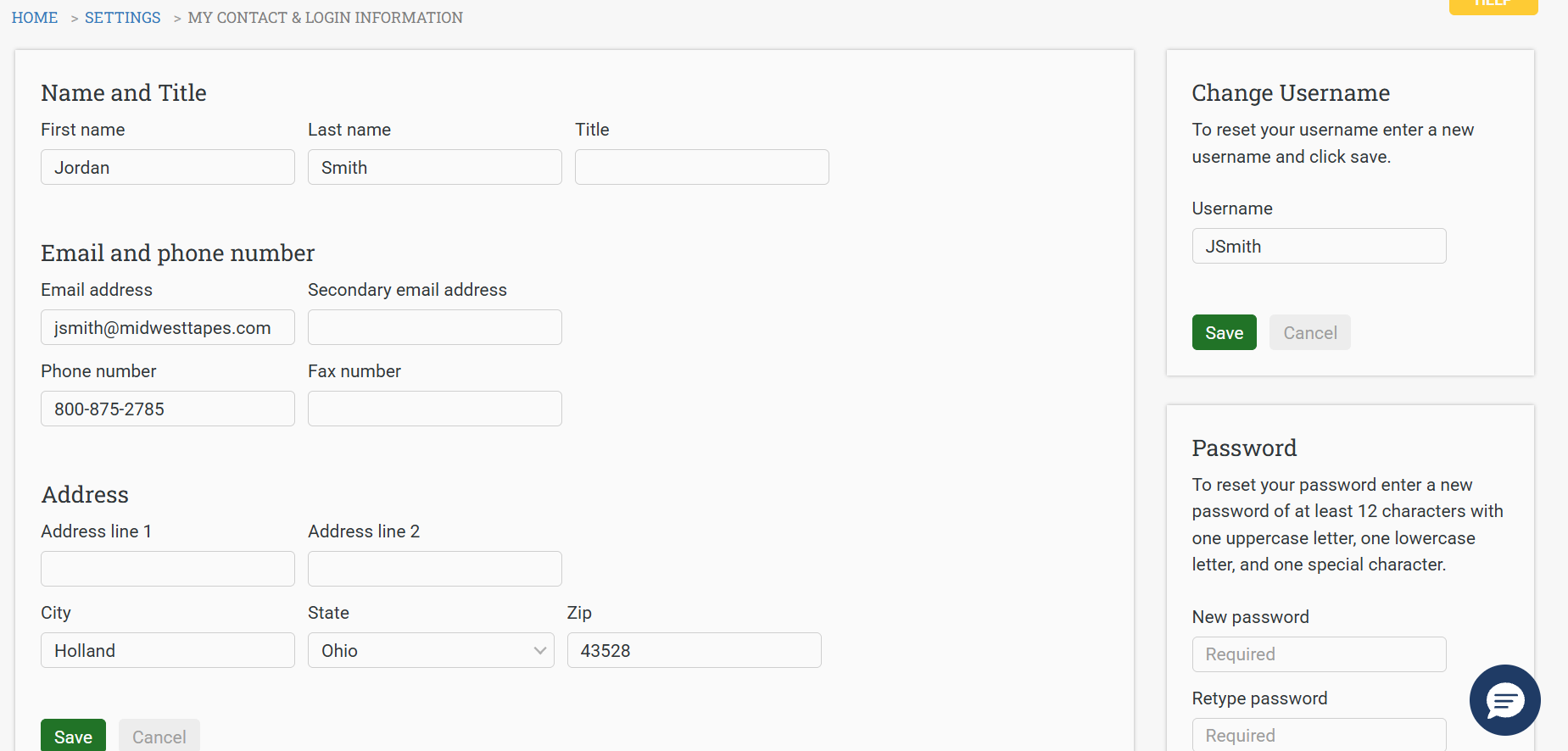
Authorized staff can change their username and password by clicking Settings in the main menu at the top of the screen and then locating and clicking the My Contact & Login Information card.
Edit the Change Username and Password fields on the right and click the associated Save button.


